
If you suddenly notice that the bonfire is not burning, don’t worry — we understand how confusing this can be 💛
This usually happens because of the visual effects settings. 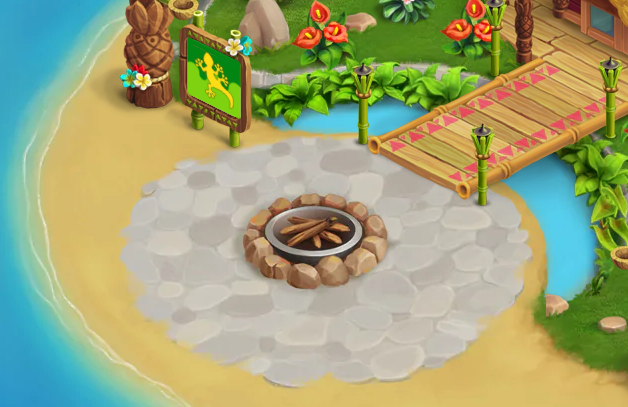
Here’s how to fix it in a few easy steps:
1. Open Settings → Advanced Settings 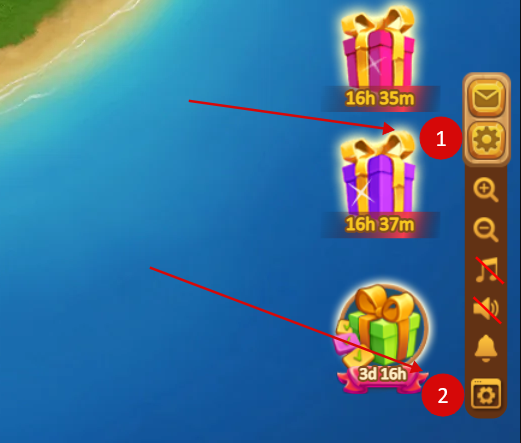
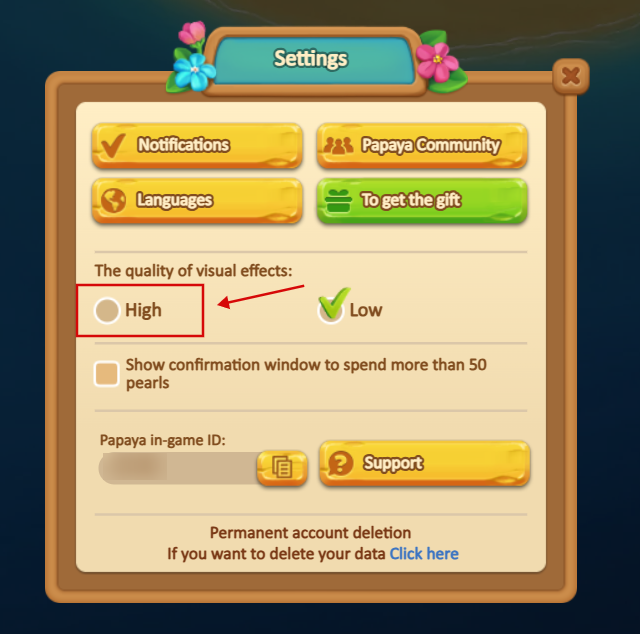
2. Find Visual Effects Quality
3. If it’s set to Low, change it to High
That’s it! 🔥
After this, visual effects will be available again and the bonfire should be visible in the game.
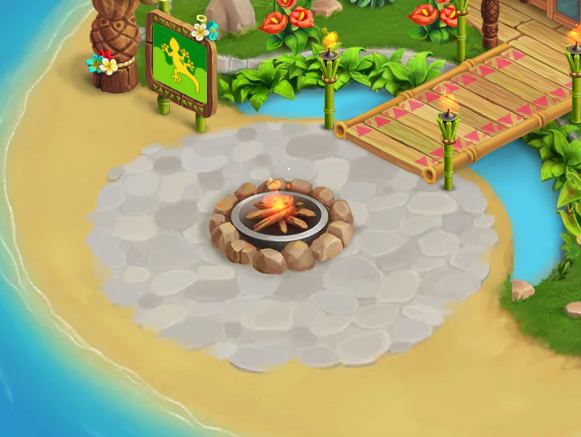
If you still don’t see the bonfire, feel free to contact Support — they’ll be happy to help 😊