
Did you receive the message "Connection lost! You were inactive for a long time and lost connection to the server"? Don't worry, this usually doesn't indicate a serious problem with your account. Here are the main reasons and tips on how to get back to the game.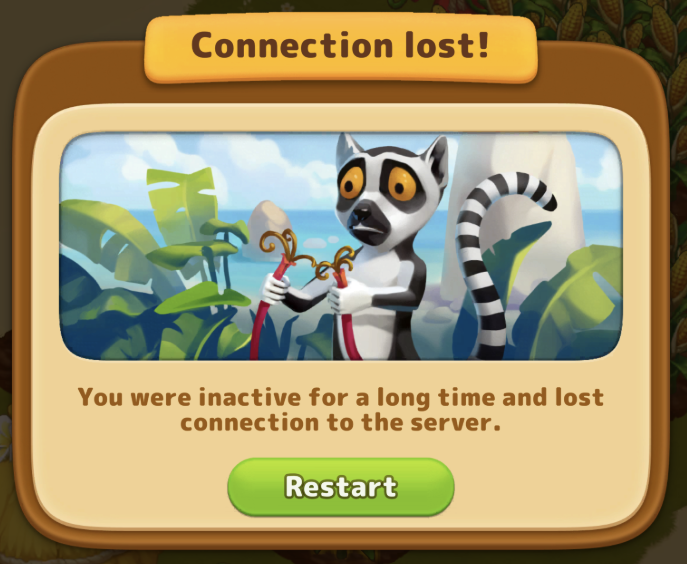
Why does this error occur?
Long inactivity: If the game was open but you didn't perform any actions for a while, the server disconnects to save resources.
Unstable internet: Even a brief interruption in Wi-Fi or mobile data can cause this pop-up.
Insufficient RAM: If many apps are running at once, the game might lack resources to maintain a stable connection.
Recommended steps to fix it:
Check for updates: Make sure you have the latest version of the game from the App Store or Google Play.
Check your connection: Unstable or intermittent internet can cause error messages and incorrect factory operation.
Reinstall the game: If the above steps didn't help, try completely uninstalling and reinstalling the game. 👉 Important: Before uninstalling, be sure to take a screenshot of your Game ID (found in settings). This allows support to restore your progress if needed.
Still having issues? If these tips didn't help, please fill out the smart form below or contact our support team directly.